
Forgotten password is a common problem experienced by many people. In this tutorial, we will discuss the reasons why people often forget passwords, the impact, and how to prevent it so you don't have to worry anymore, for example when you want to log in to Linkty.
To overcome forgetting your password on Linkty, follow these steps:
1. Open the Login Page: Visit linkty.cc/user/login
2. Select Forgot Password: On the login page, look for the "Forgot Password?" option. or “Forgot Password?”
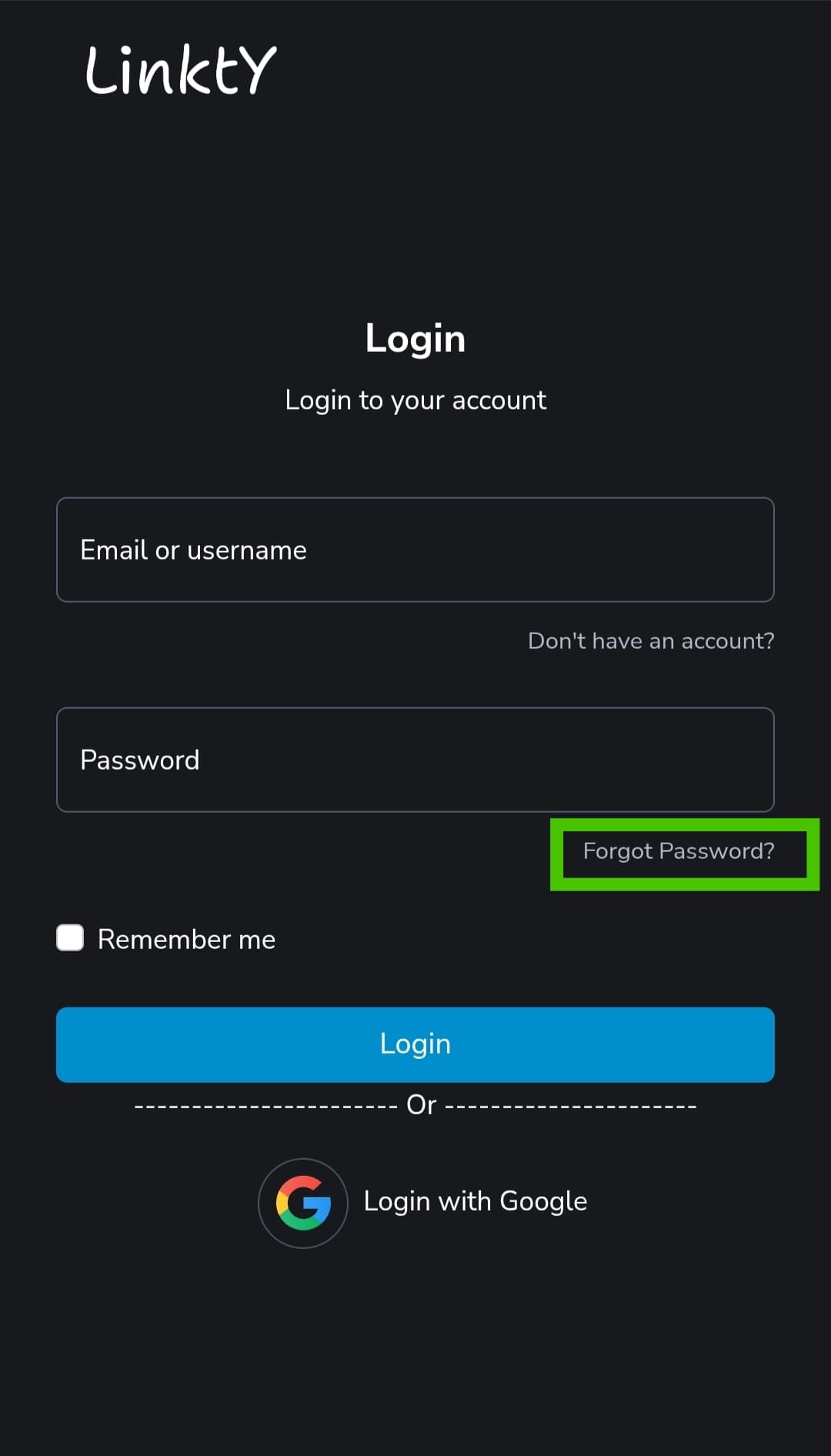
3. Enter Email: Type the email address associated with your Linkty account, then click "Send" or "Submit".
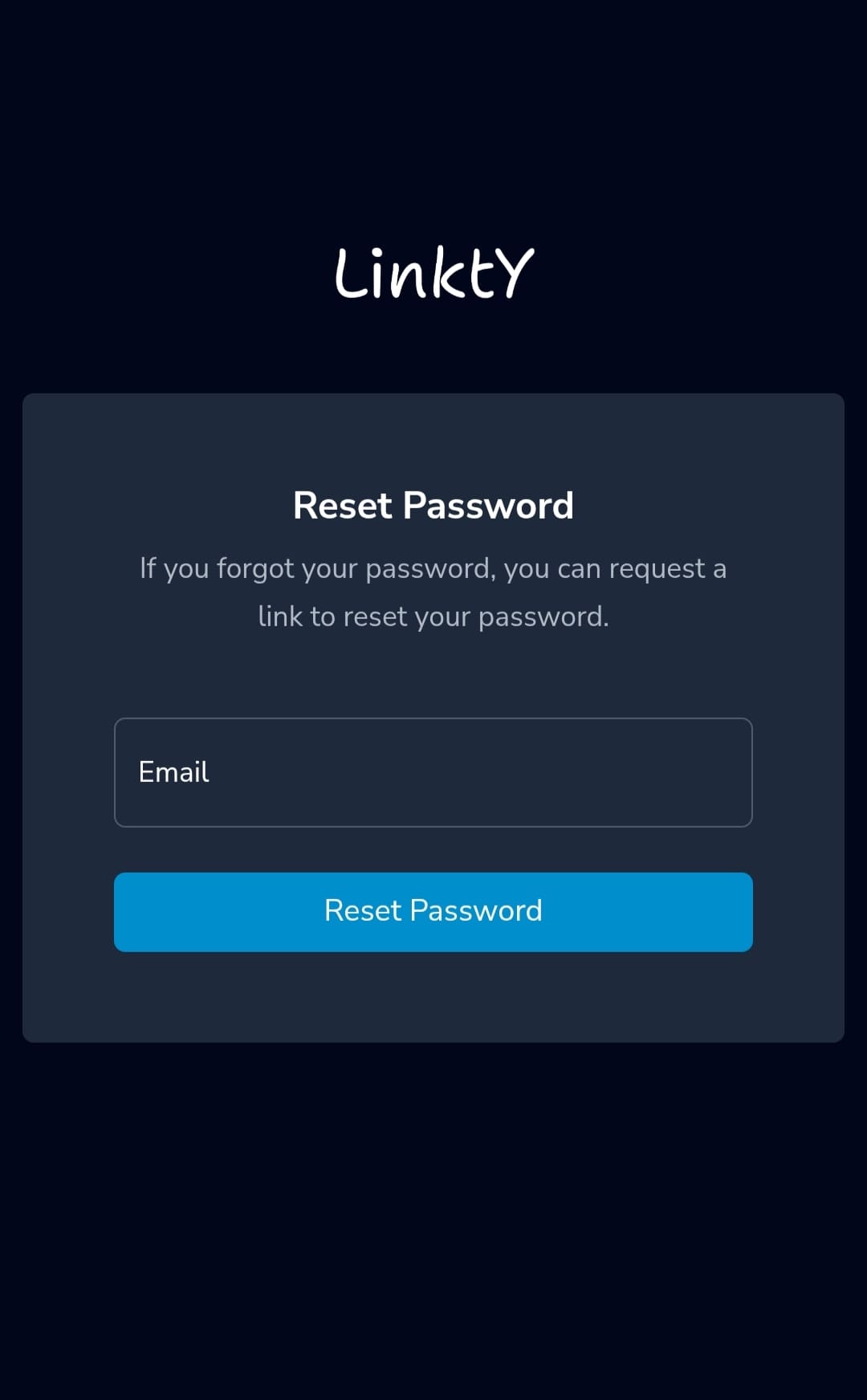
4. Check Email: Open your email inbox (also check your spam/junk folder) for an email from Linkty containing a password reset link.
5. Reset Password: Click the link in the email, then enter your new password. Make sure the password is strong (a combination of letters, numbers, and symbols).
5. Re-Login: Return to the Linkty login page and log in with your new email address and password.
Note:
If you don't receive the reset email, wait a few minutes or try again.
Make sure the email address you entered is correct and associated with your Linkty account.
If the problem persists, contact Linkty support via email at [email protected]